Save and organize video frames on your Mac.

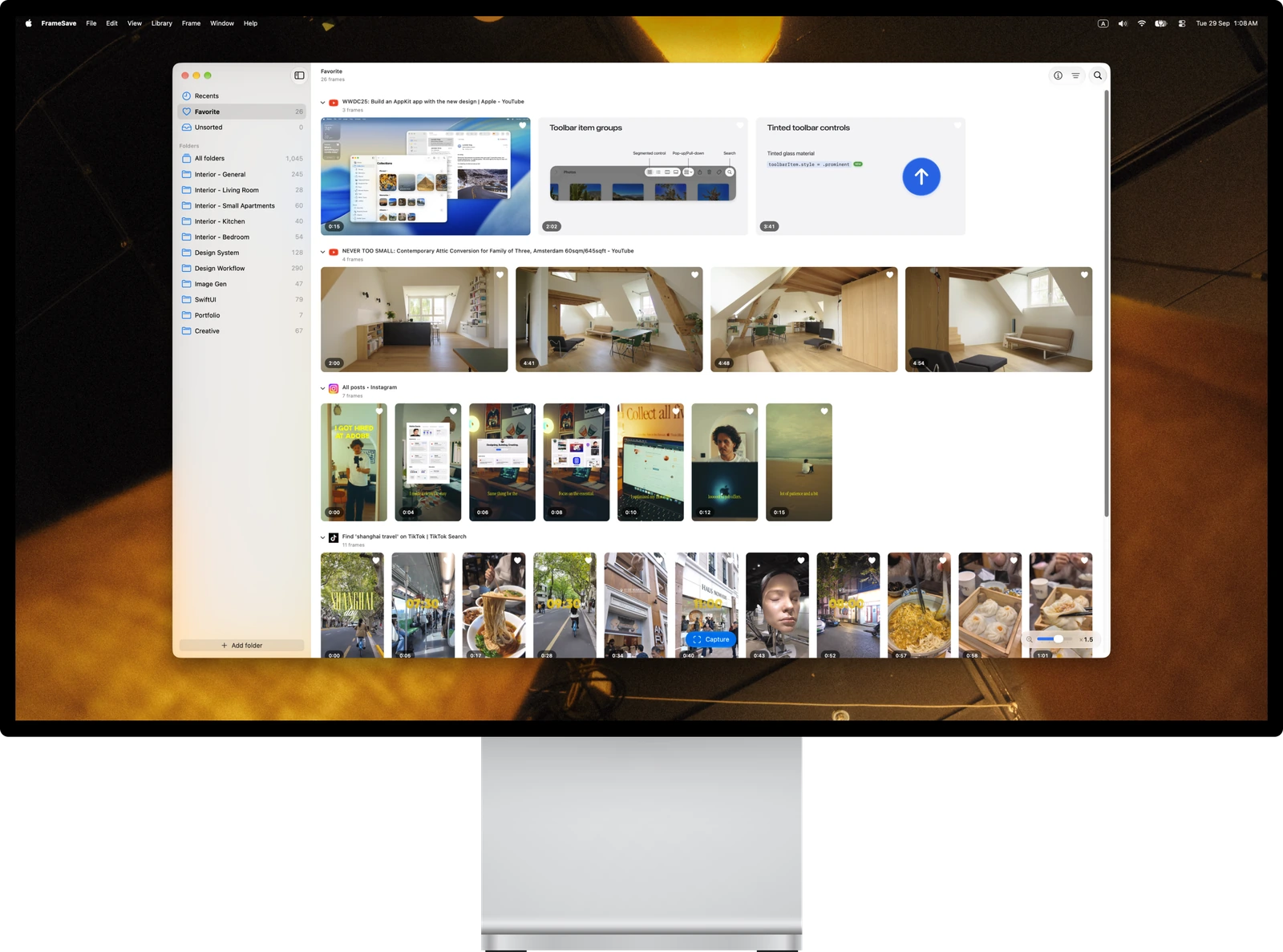
FrameSave on an Apple display, showing a library of saved video frames grouped by source with connected folders in the sidebar.

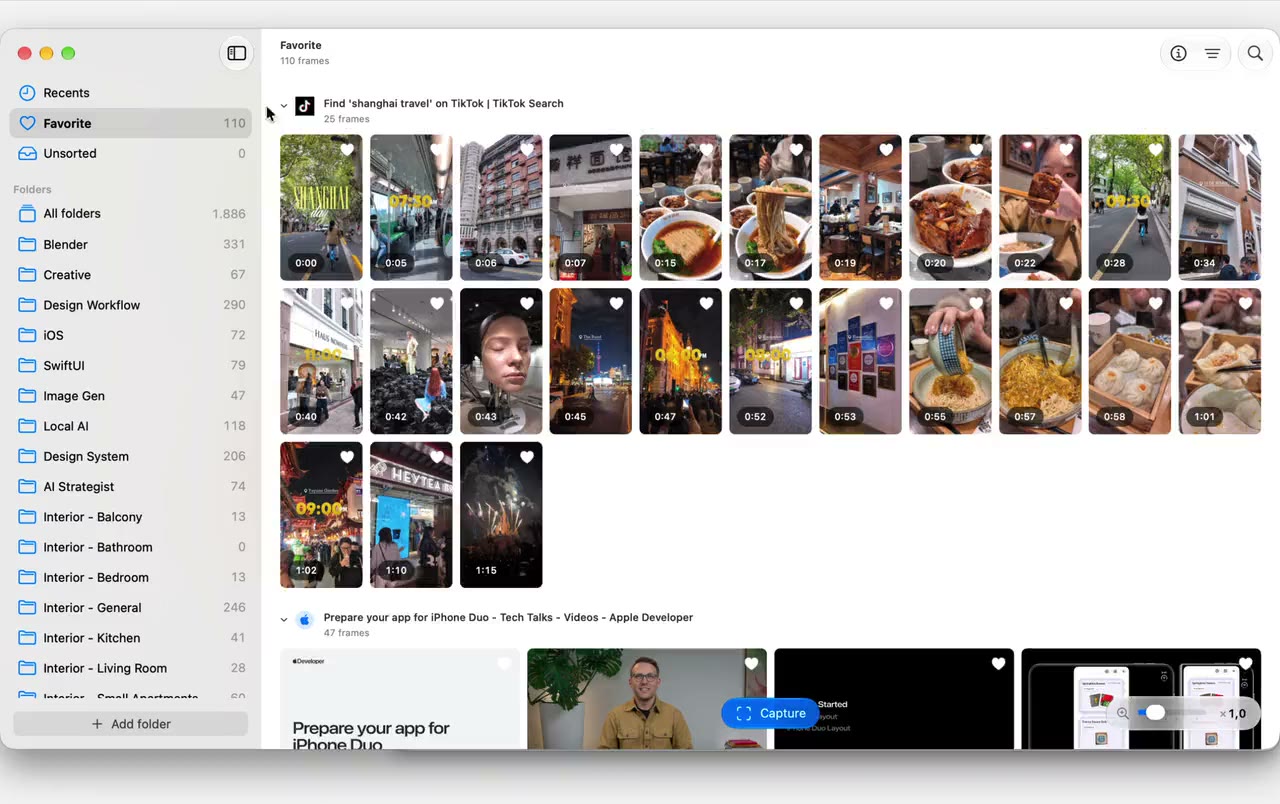
Build a library of video references.

Save a frame while the video keeps playing.
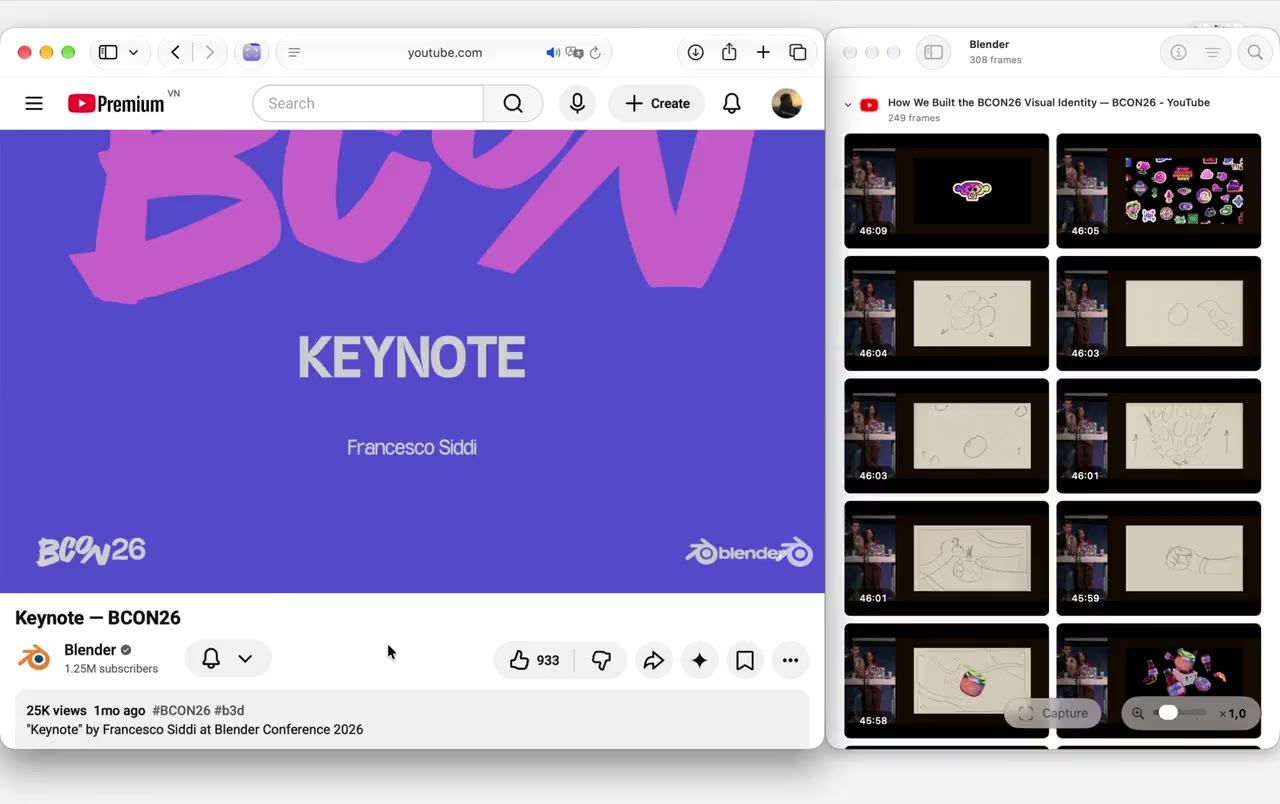
Go back to the video behind a saved frame.

Keep your favorites in sync on every Mac.

Turning on Sync favorites with iCloud keeps favorites up to date on a MacBook Air and an iMac.
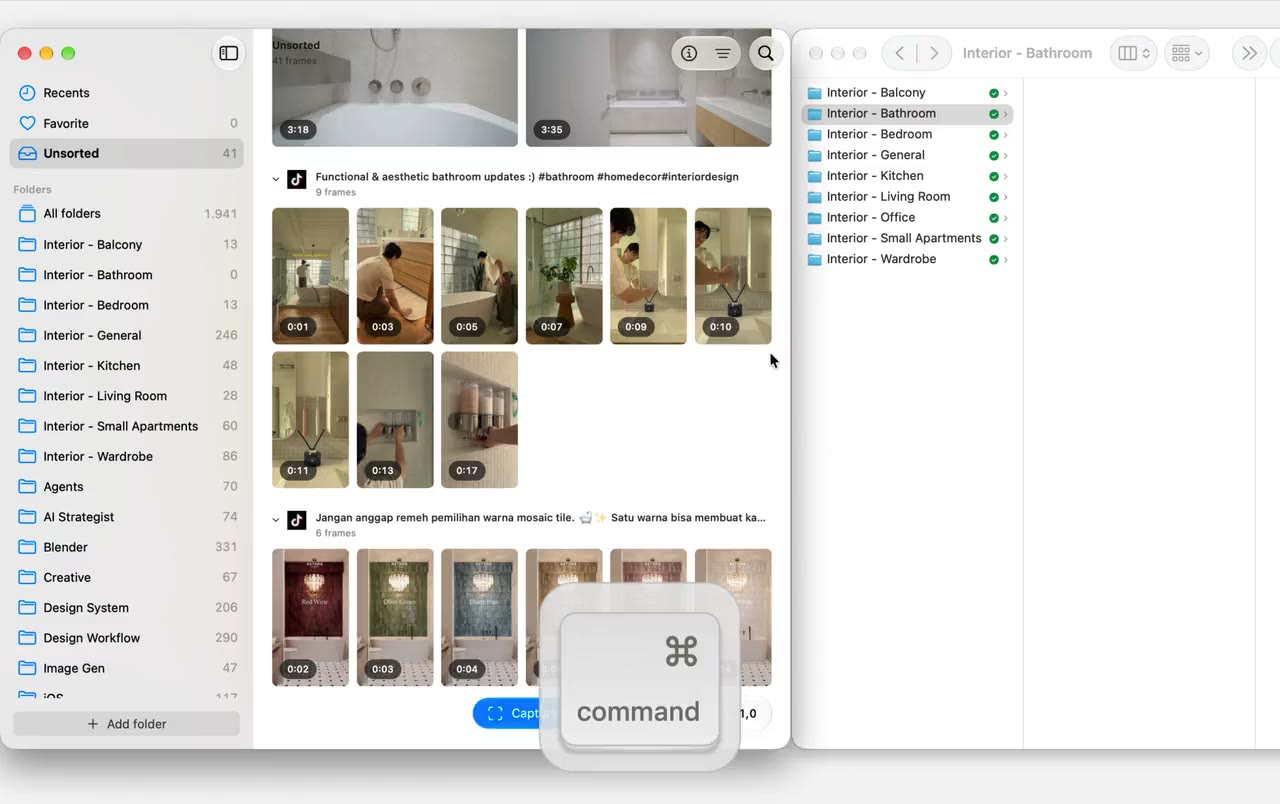
Browse folders from anywhere in one place, without moving files into a library.

Every frame stays grouped with its video.

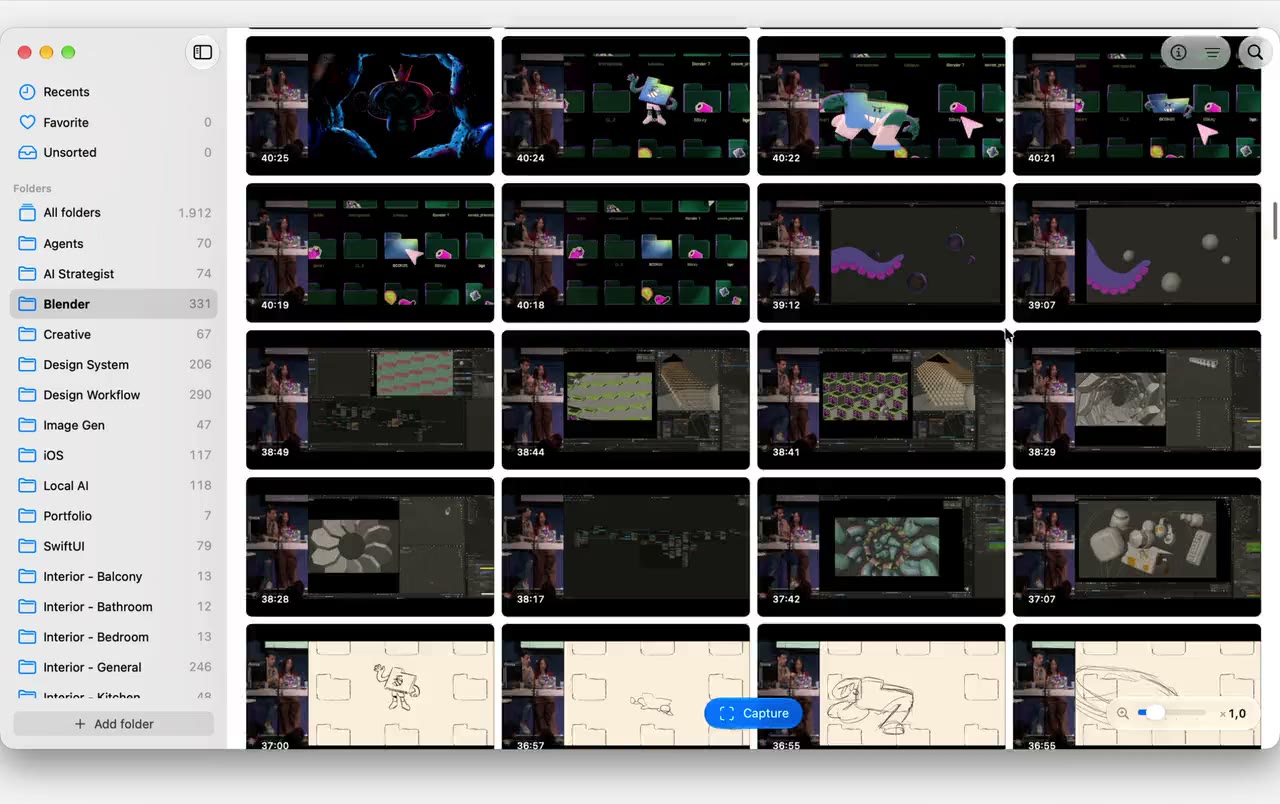
Stays fast with tens of thousands of frames.

A library of 52,481 frames, zooming between large and small thumbnails.

And the everyday details.

Small things that make a library useful.

Full-resolution capture
Direct captures preserve the video’s current pixel dimensions, without resizing or upscaling.
Details travel with the file
Each PNG keeps its video title, link and timestamp, even on another Mac.
Search and filters
Find frames by title, filename, source or folder. Filter by favorites, date and aspect ratio.
Drag into apps
Drag full-resolution images into apps that accept image files.
Keyboard-first
Arrow keys move between frames. Press I for Info, L to favorite, O to open the source.
Capture straight into a folder
New frames go straight into the folder you’re viewing, or into your default folder.
Screenshot fallback
When a site blocks direct capture, save the visible player as a screenshot instead.
Offline browsing
Browse locally available images offline.

A few useful details

FAQs

Something else on your mind?
Get in touch