Learning
Study and learn.
Save slides, diagrams, and worked examples from video tutorials.
FrameSave for Mac
Build a visual reference library from what you watch, with every frame linked back to its source.
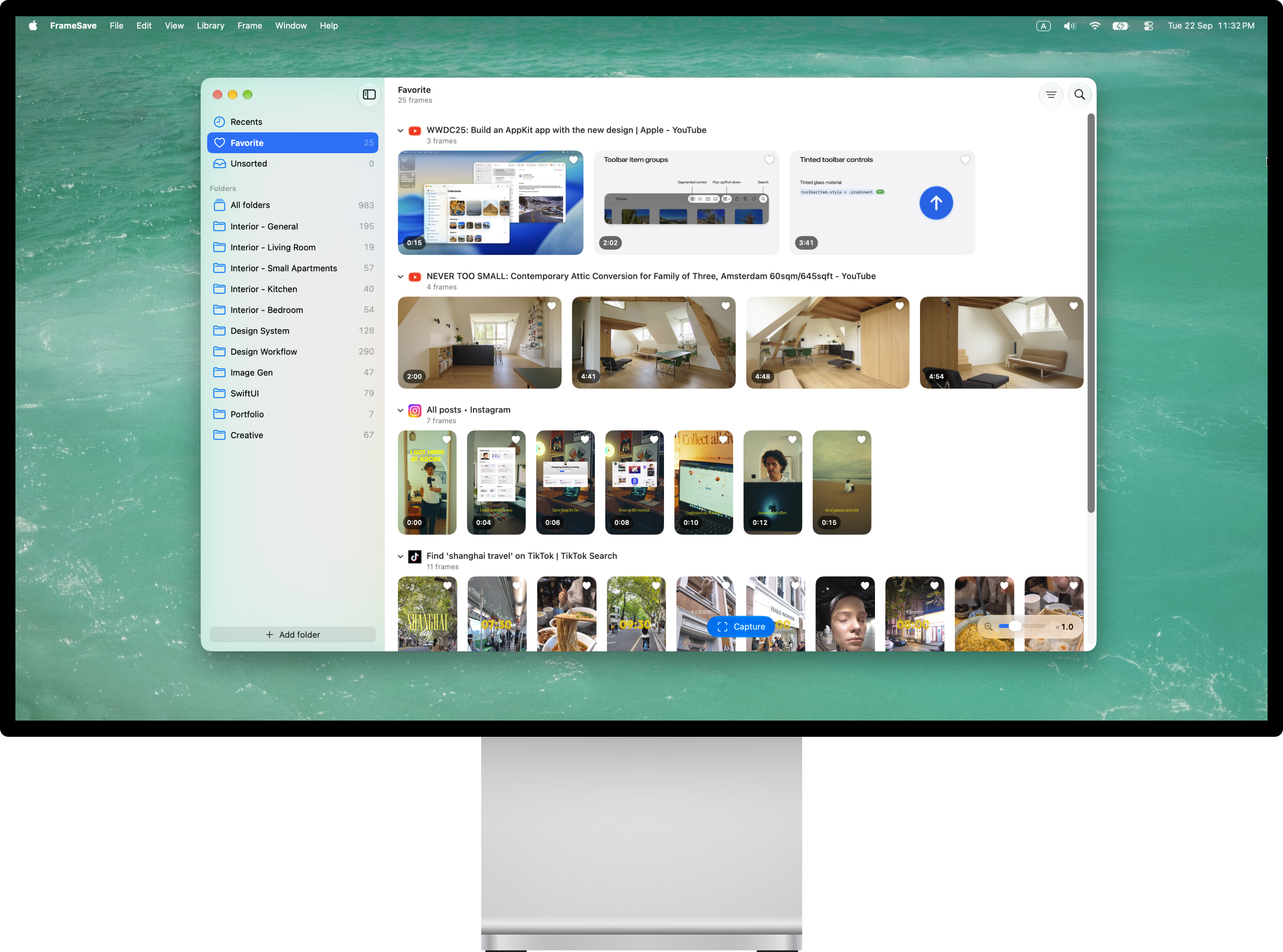
For whatever catches your eye
A useful slide. A room you love. An idea for your next project. Keep it somewhere you can find it again.
Learning
Save slides, diagrams, and worked examples from video tutorials.
Inspiration
Gather interiors, compositions, colors, and details that catch your eye.
Creation
Collect visual references for videos, designs, and social posts.
Capture. Organize. Return.
Save a frame from a supported video in Chrome.
Collect frames in folders and mark your favorites.
Open the original video and revisit the saved timestamp where supported.
Source links and timestamps keep your references connected to the videos they came from. Return for the explanation, the detail, or the idea around that moment.
At home on your Mac
A fully native Mac app, built with Apple’s SwiftUI and AppKit frameworks.
Your files, your choice
Your frames are ordinary PNG files in folders you choose. Keep them on your Mac, move them to an external drive, or use a folder synced by Dropbox, iCloud Drive, or Google Drive.
No FrameSave cloud storage required.
You choose where your files live.
Planned for launch
No subscription.
Try it for seven days.
Make it yours on two Macs.
The trial and purchasing experience are being prepared for launch. Optional update extensions will be paid separately.
A few useful details
A Mac running macOS 15 or later, Google Chrome, and the companion FrameSave extension. The extension works together with the Mac app.
FrameSave works with supported browser videos. Availability depends on the website and its player. Protected or inaccessible videos may not work.
FrameSave retains available source links and timestamps when those capture settings are enabled. Opening a video at its saved timestamp depends on the platform; supported sources include YouTube and Vimeo.
Captures are ordinary PNG files in folders you choose. If you choose a cloud-synced folder, synchronization is handled by that provider. Optional iCloud favorites sync is separate: it syncs favorite status, not your captured images.
Under the planned license, you can keep using the versions covered by your purchase. Extending access to future updates is optional and paid separately. Your license does not become a subscription.

FrameSave is preparing for launch.
Contact